
OK, custom Kindle fonts are really nice
Literata for daytime reading and Lora for dark mode, all installed free with no jailbreak required.
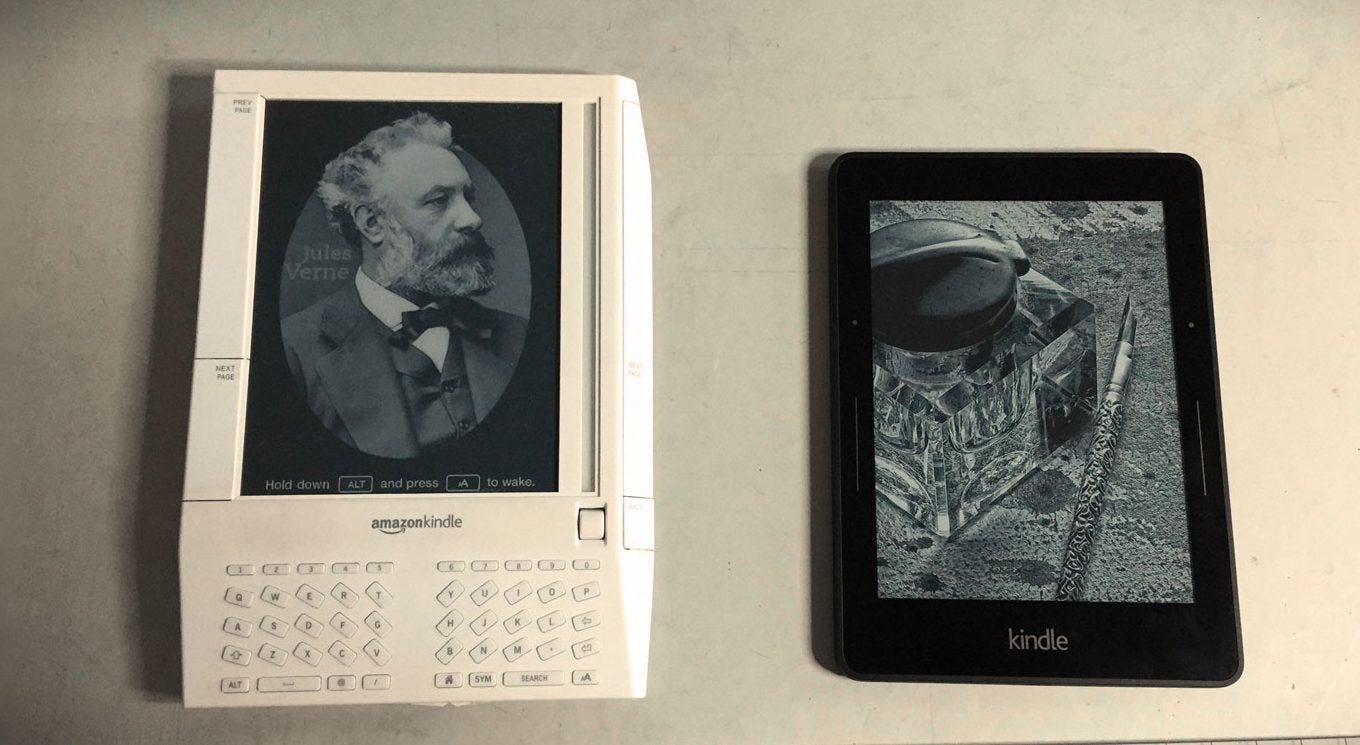
After more than a decade of reading on Kindle e-readers, I finally added custom fonts, and I'm blown away.
I was never sold. When Amazon's first "made for ereaders" font, Bookerly, came out, I set it on my Kindle and never looked back. I tried their second font, Ember, and didn't like it as much as Bookerly.
So I sat there until a few days ago, when, for whatever reason, I wondered whether a different font might be better for my eyes, or whether one might be better for 'dark mode' than others. I searched and found the names of quite a few very popular fonts, all available free via Google.
I tried: Literata, Crimson Pro, Lora, Merriweather, and Source Serif 4.
I immediately fell for Literata. It reads like Bookerly but better for me. I find the italic font more pleasing, and for reading in "light" or "day" mode on the Kindle, I think it has become the new always-on font.
Dark Mode became one of my favorite things on the newer-era Kindles. It makes reading in bed at night a lot easier on the eyes, and drains far less battery. Lora has become the font I go to at night. The volume of the letters works well for me in the white letters on a black background format.
All you need to do is download, unzip, and copy the basic font files into their directory on your Kindle. No jailbreak is required. This video shares it all: